Digital Prototype
A - Blog post report
Subtlety is the language of connection. To feel closer to others, we don't simply rely on the things that are said; instead, we try to understand others through intuition, through the small bits of data that color the edges of existence.
In the physical domain, this subtlety emerges through proximity and nonverbal communication. Sitting in a room with someone else, listening to them type or cough, seeing their work on the screen, sharing a common space. But the digital world lacks these multifaceted and nuanced data sources – messages are largely limited to text, calls and Discord limited to voice.
To emulate subtlety in the digital domain, we've built a Chrome extension which passively collects data (currently keystrokes and active tab) and presents it in a clean, unobtrusive interface. Our application, twyd, helps users feel the proximity of their digital friends – by clicking on the extension, you can see whether your friend is being industrious or chilling and what work they're doing.
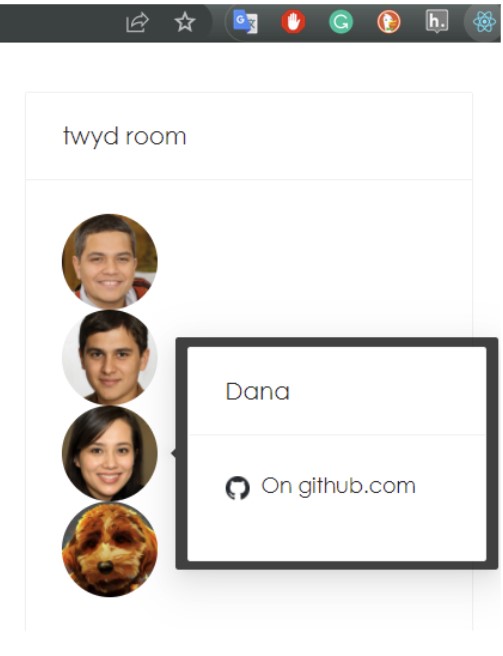
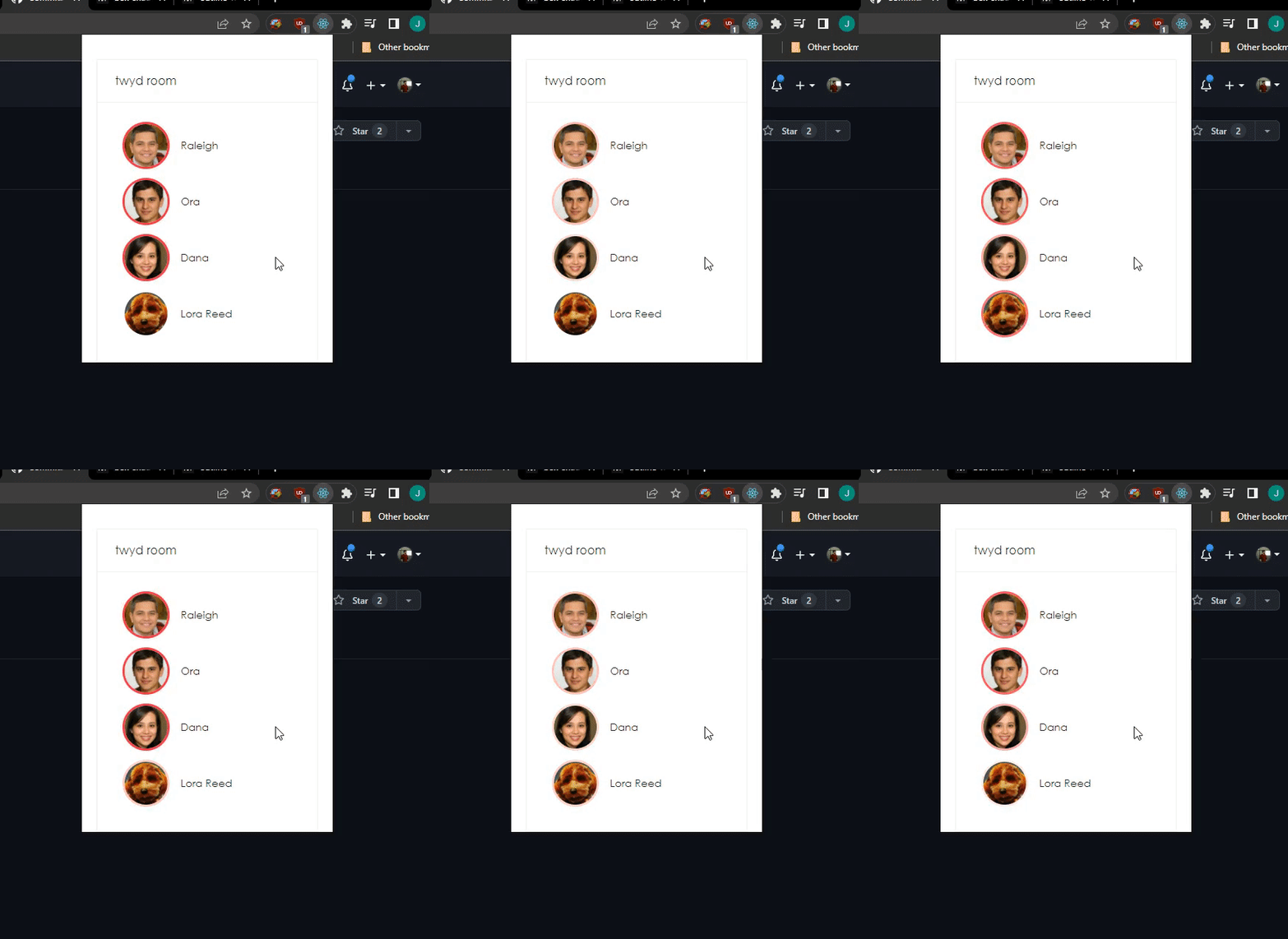
Typing indicated by a glowing border around the user icon.
From a design perspective, our objective was to make a minimalist extension which provided novel information to users.
From a technical perspective, there are three main components: a data collection script, a backend server, and a frontend display. The data collection script was designed to collect keystrokes, but then extended to also collect the current tab in use. The backend server was chosen to maximize ease-of-use and simply maintains the relevant data. Finally, the frontend display leveraged React to leverage existing web frameworks and pulled data from the backend server.
One feature that we did end up dropping for this prototype was a way to have multiple rooms. While we believe this isn't an extremely difficult feature to implement, we think that the prototype we have conveys well the appeal and value of the application, and creating the multiple rooms feature seemed to not be a great use of our limited time.
One key challenge through this process was implementing a Chrome extension. We initially sought to implement an "always-on" banner at the bottom of the screen through content scripts, but this was infeasible because the interaction between the content script would need to work on any potential webpage (a challenging task). Instead, we devoted more of our implementation work toward designing a sleek and accessible UI that would be displayed when clicking the extension, thus still being unobtrusive yet showing fun information to users.
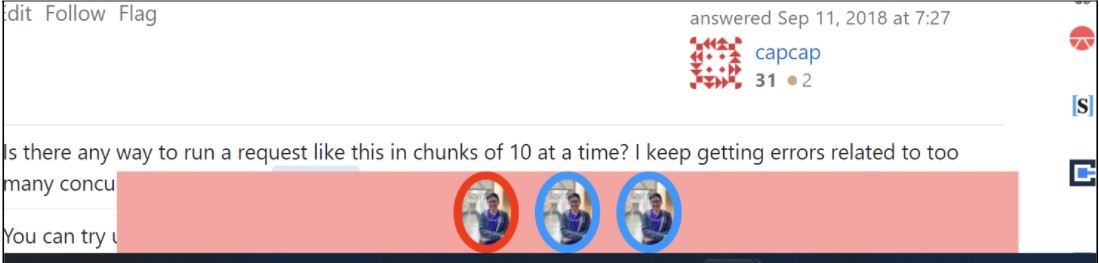
The sample banner at one point. While it worked on StackExchange, on some sites the banner would become misplaced or distorted.
B - Implementation of a high-fidelity working prototype
In addition to your blog post, we will assess the level of finish (both in terms of design and implementation) of your high-fidelity prototype. Make sure that your design is usable in a way that a stakeholder could test it out. This also includes good documentation of your code and a read-me file in your repository that tells people how to install/use it.
After building the Chrome extension according to the instructions in the README file in the repository, load it into the Chrome browser (following instructions here, and using the "build" folder that gets generated after running "npm run build"). One limitation of our product currently is that the active user is hardcoded into the extension ("Lora Reed"). We have yet to simplify the onboarding process!
Backend details: The repository for backend code was moved here for ease of deployment.